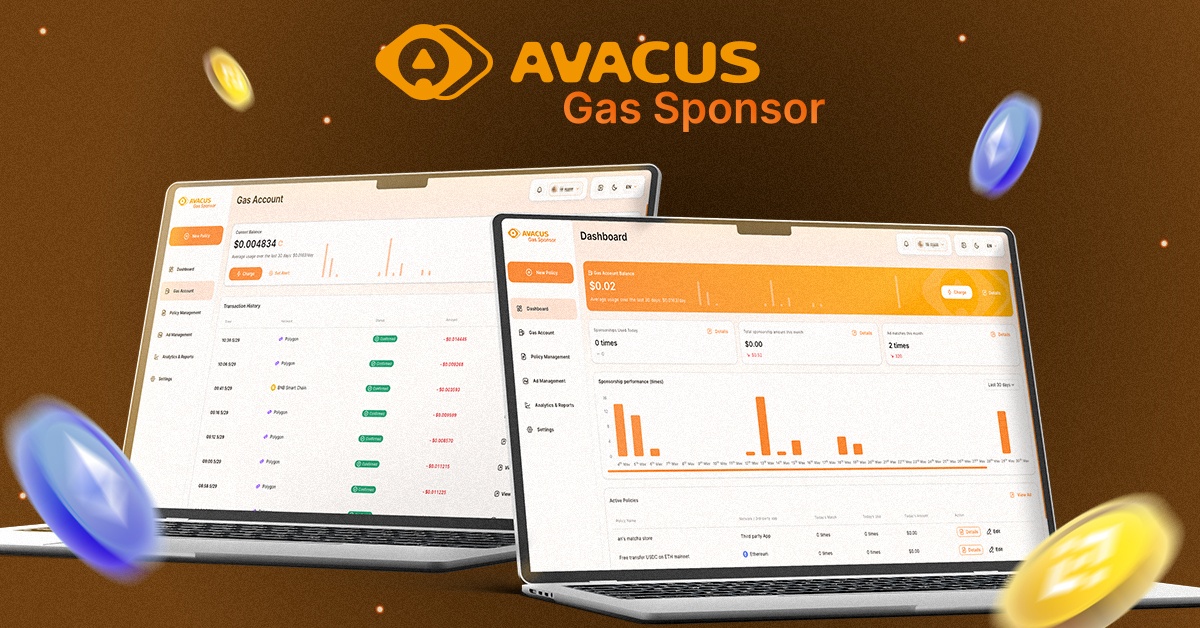
Gas Sponsor is now officially available in Avacus v8.1.0, allowing advertisers to sponsor transaction fees and reach a broader user base across the Avacus ecosystem.
To use the Gas Sponsor feature, users can access the platform at gas.avacus.cc.
In this article, we’ll walk you through the complete setup process and show you how to launch your first Gas Sponsor campaign step by step.
Step 1: Connect Your Wallet
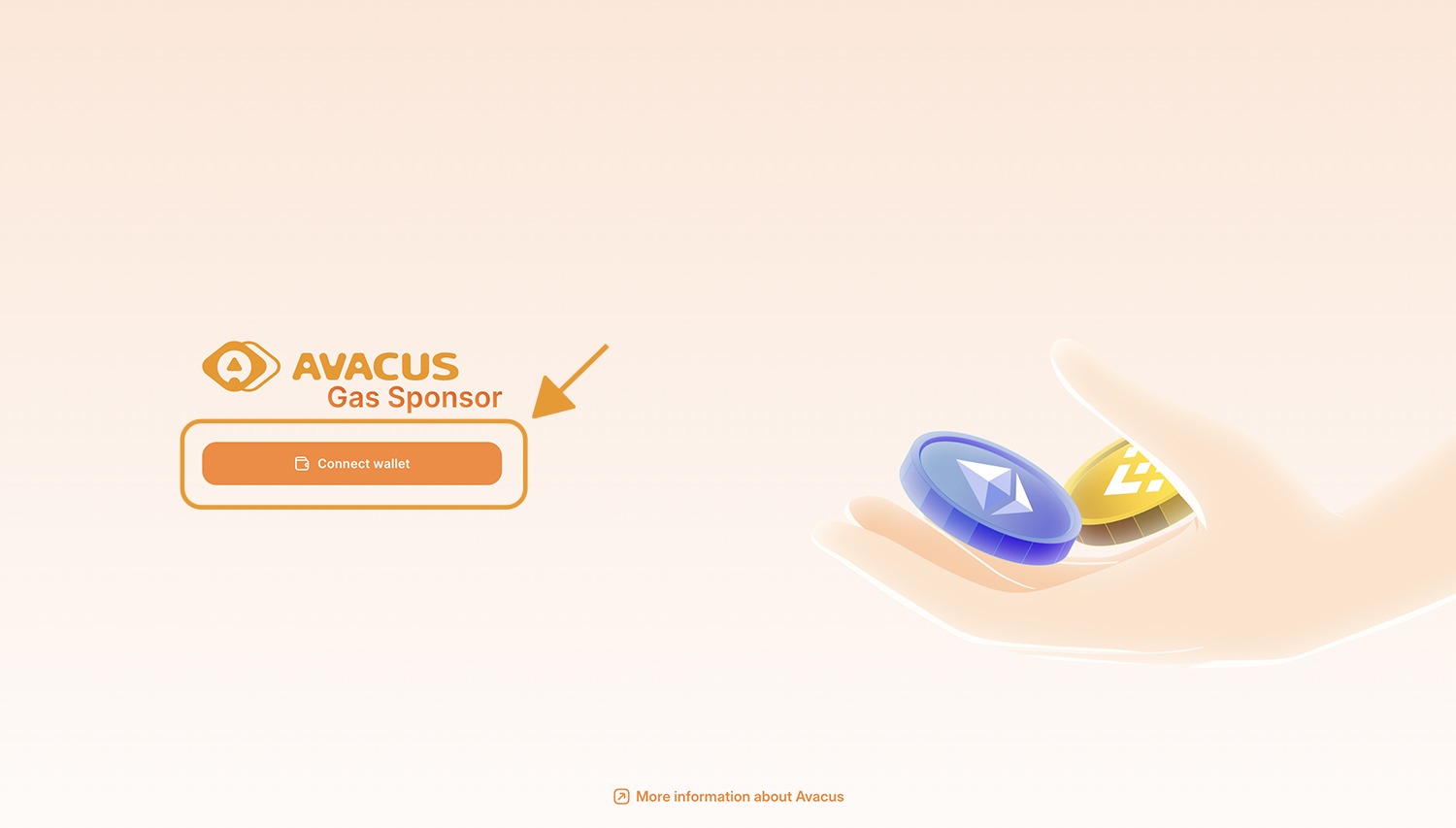
Connect your wallet that already has Avacus SNS activated.
Step 2: Deposit Funds Into Your Gas Account
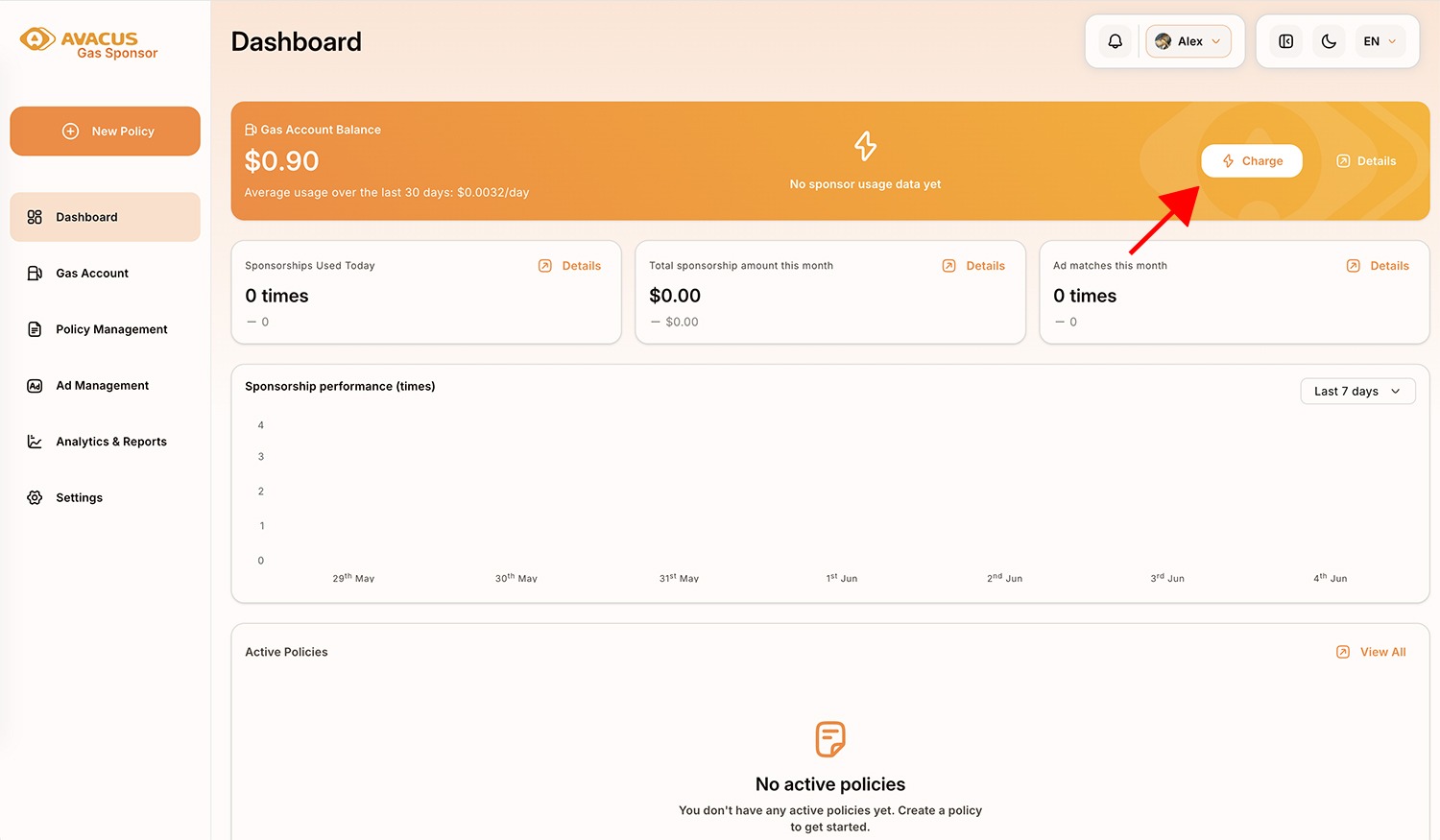
Click “Charge” to deposit funds into your gas account.
Then select the token and enter the amount you want to deposit for sponsoring transaction fees.
Step 3: Create a New Policy
Click “New Policy” to create a new policy for your campaign
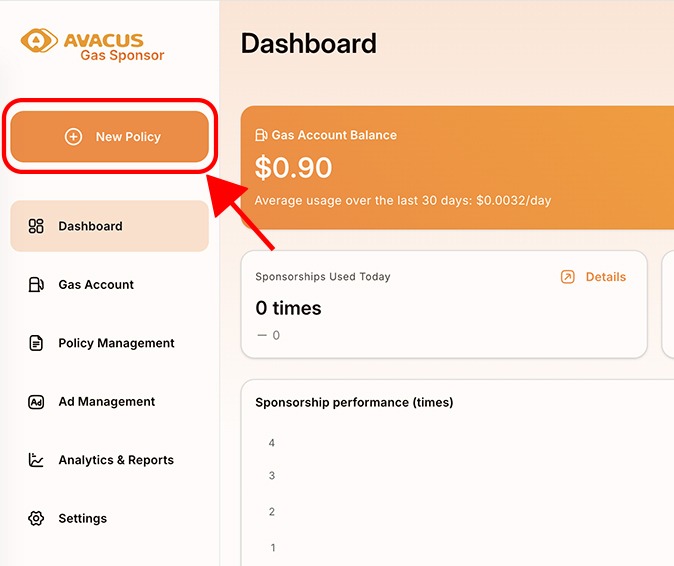
Step 4: Configure Your Policy
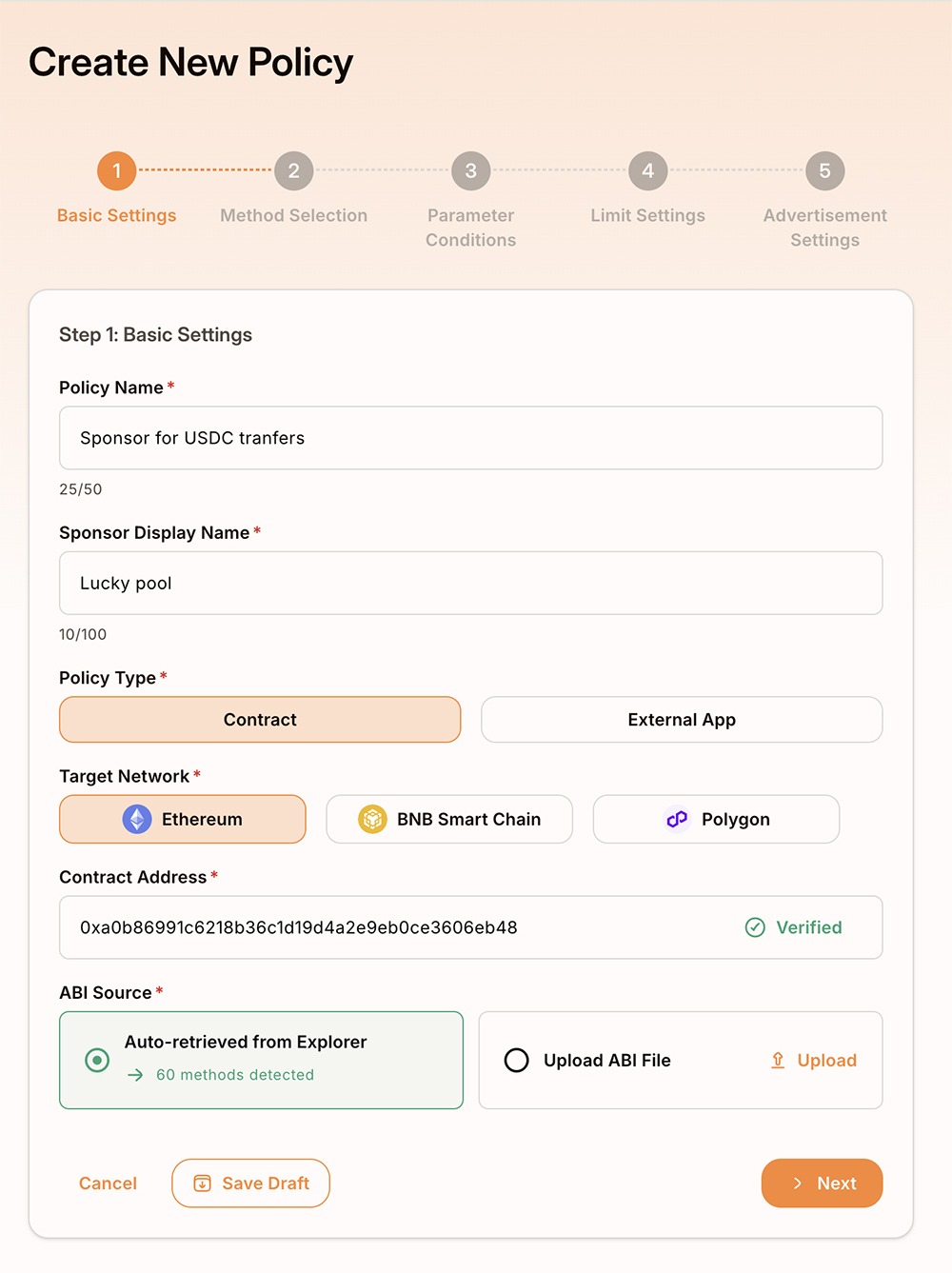
Fill in all required fields for the new policy setup.
For the Contract Address field, select the network and enter the verified token contract address you want to sponsor. This allows the system to identify which token and transactions will be eligible for gas sponsorship.
Step 5: Choose Methods
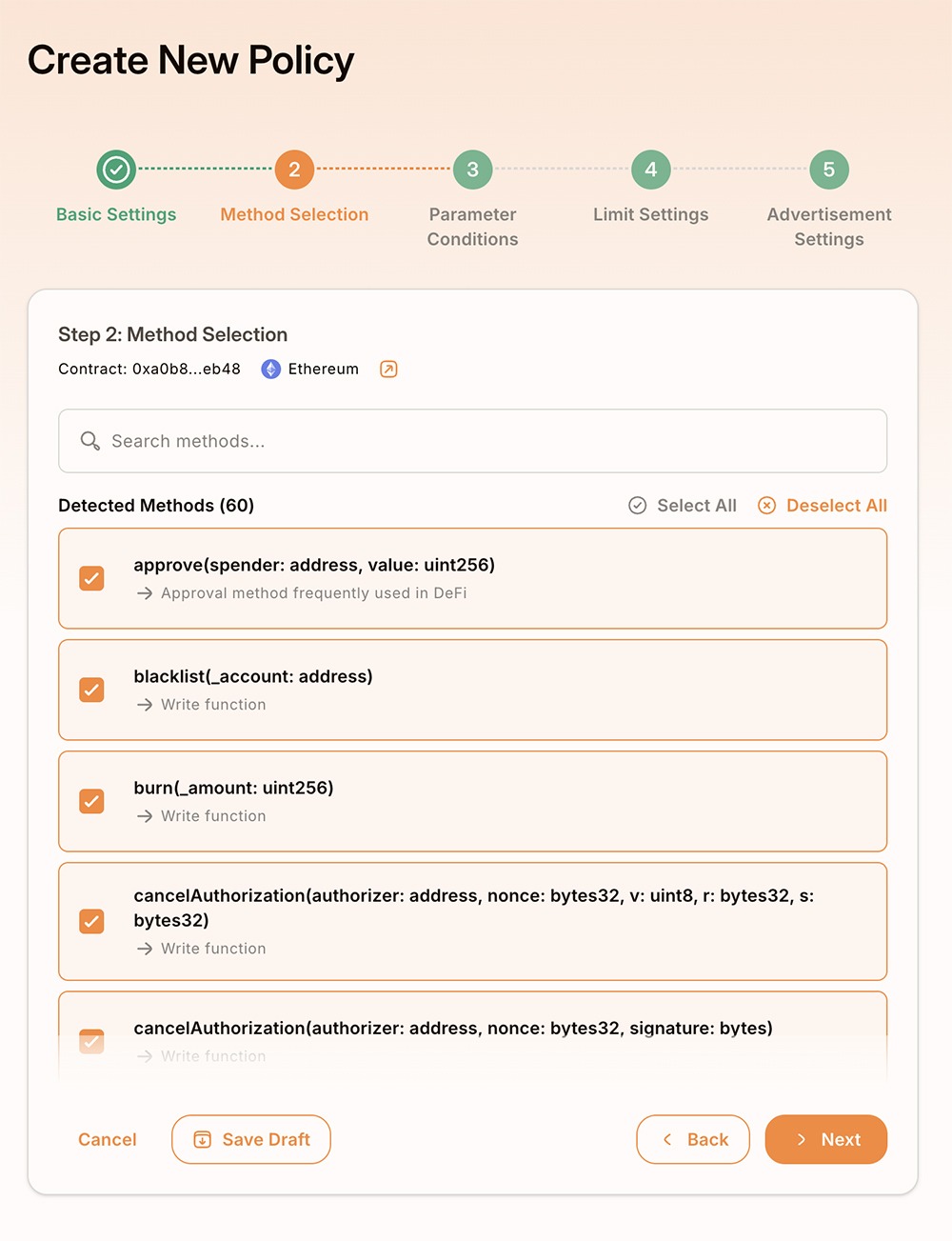
Select the methods you want to sponsor.
The available methods will depend on the contract address you selected. You can sponsor all methods or choose only specific methods based on your campaign goals.
You can also select all methods to sponsor them all.
Step 6: Set Parameter Conditions
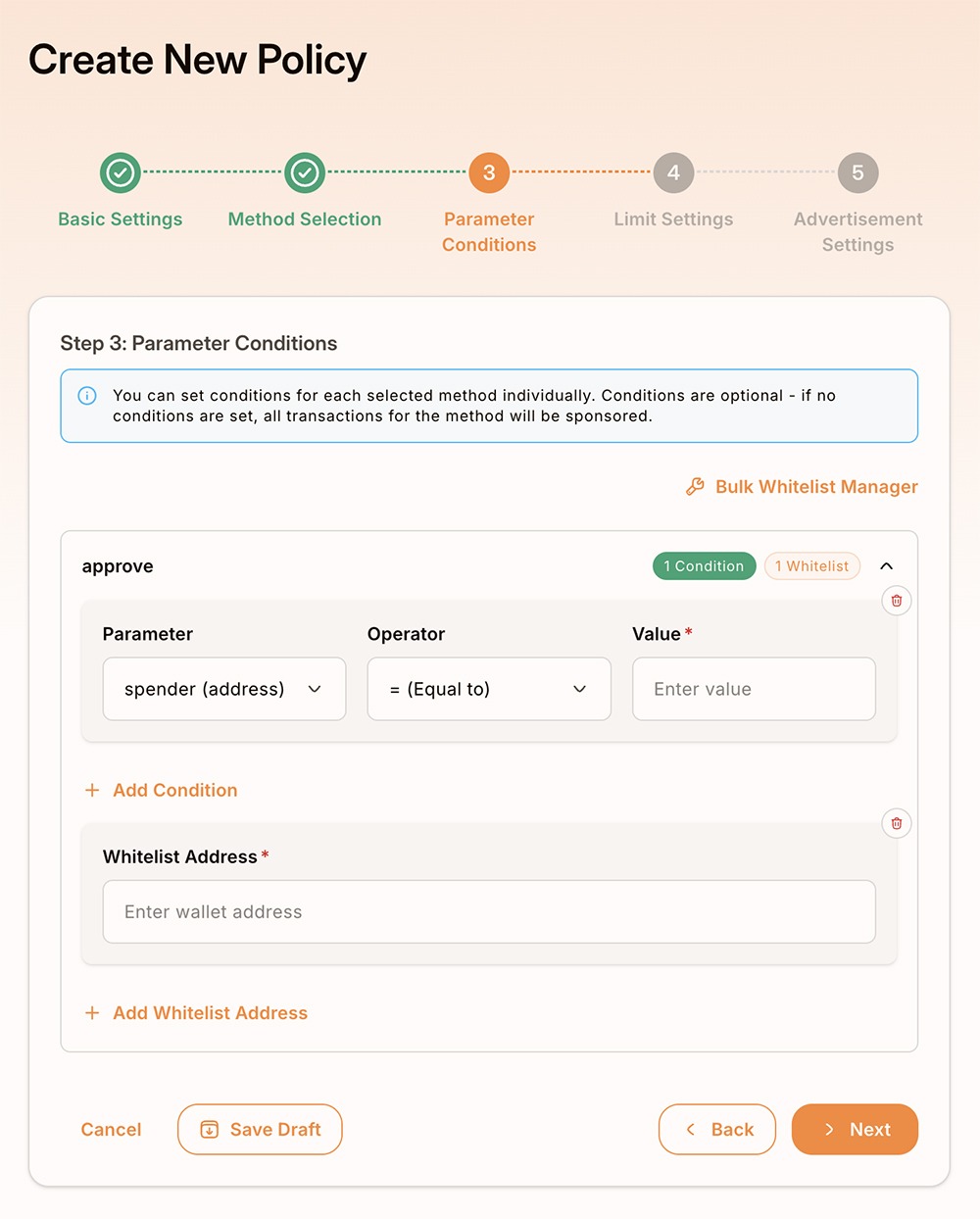
Configure the parameter conditions for your sponsorship campaign.
For example, you can:
- Sponsor transactions above a specific amount
- Apply sponsorship only to whitelisted users
- Customize additional transaction requirements
You can also skip this section to use the system’s default settings.
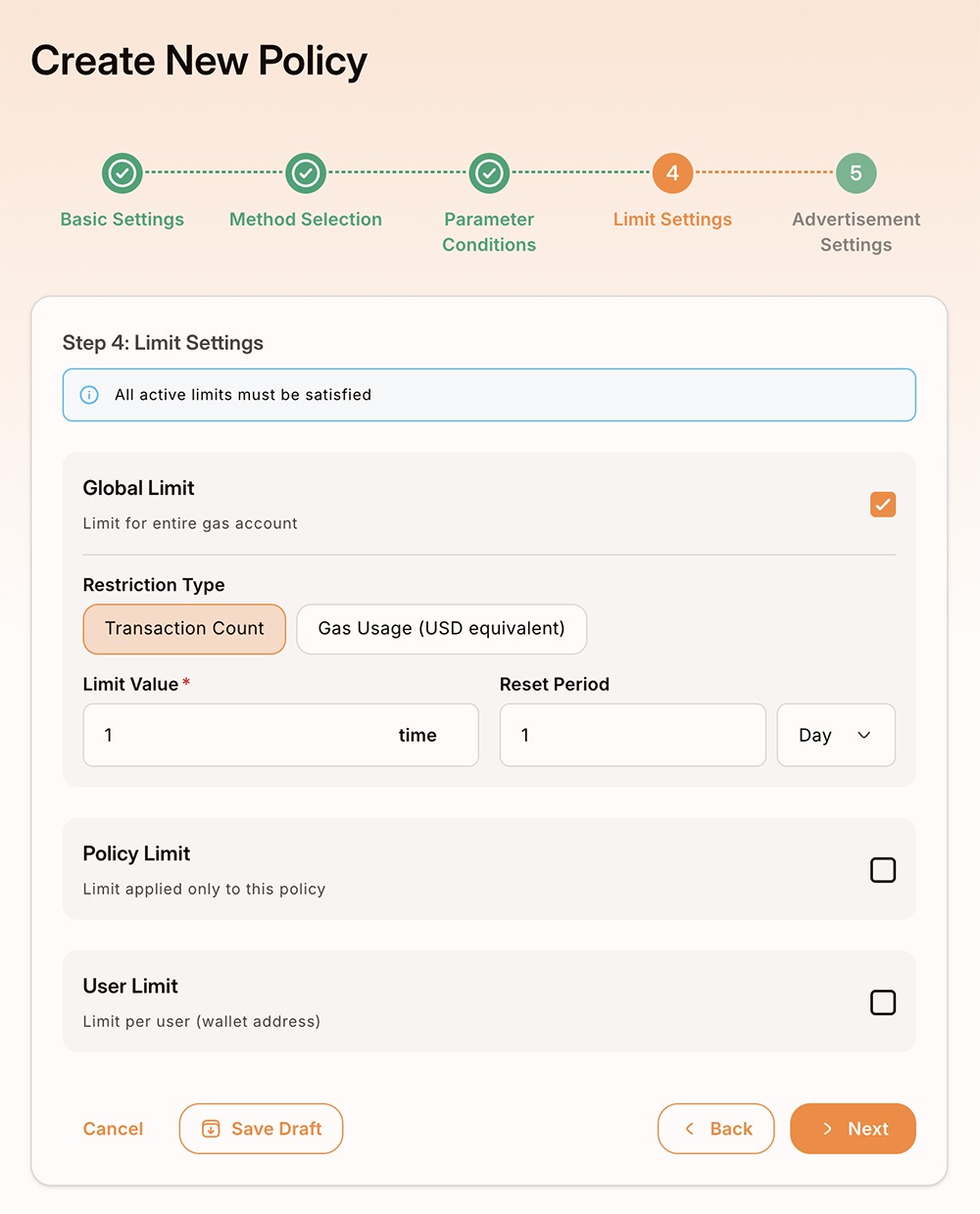
Step 7: Configure Limit Settings
Set the usage limits for your campaign, including:
- Global limit
- Policy limit
- User limit
You can also configure transaction count, gas usage limits, and reset periods based on your campaign needs.
Step 8: Create a New Advertisement
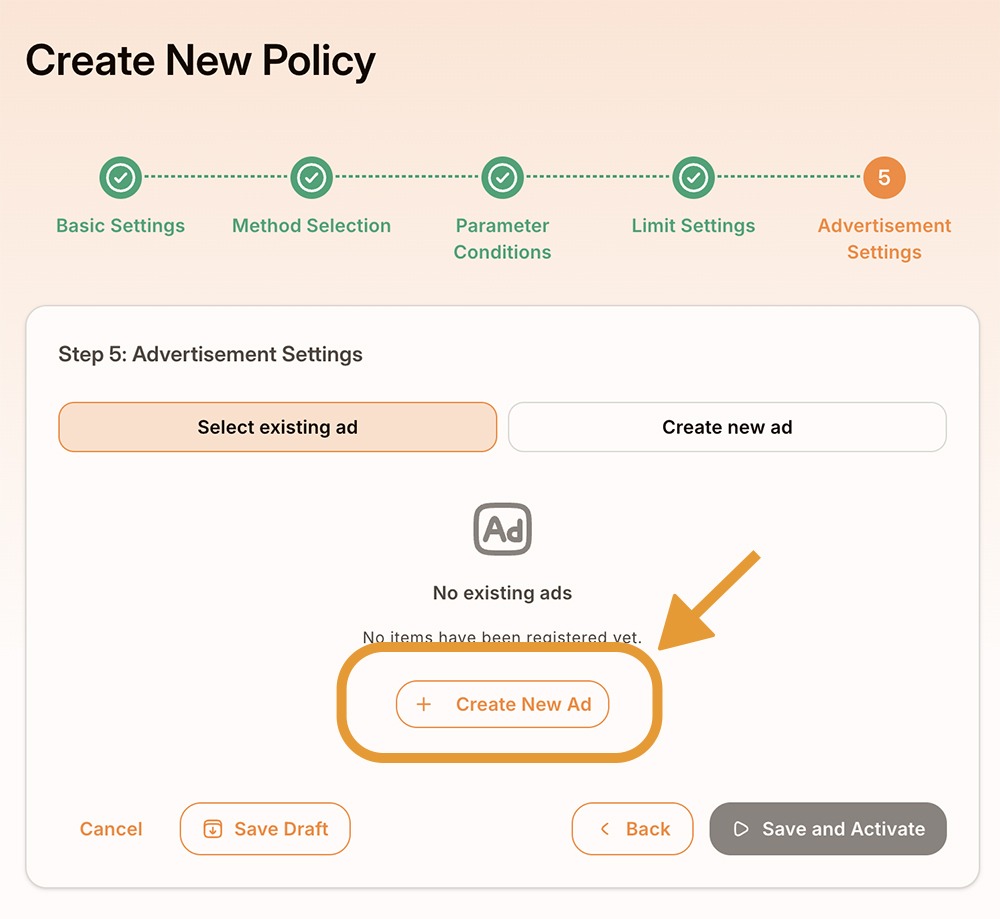
Click “Create New Ads” to create a new advertisement for your campaign.
Set up your advertisement details, including:
- Banner
- Logo
- Category
After completing the setup, your Gas Sponsor campaign will be ready to launch.
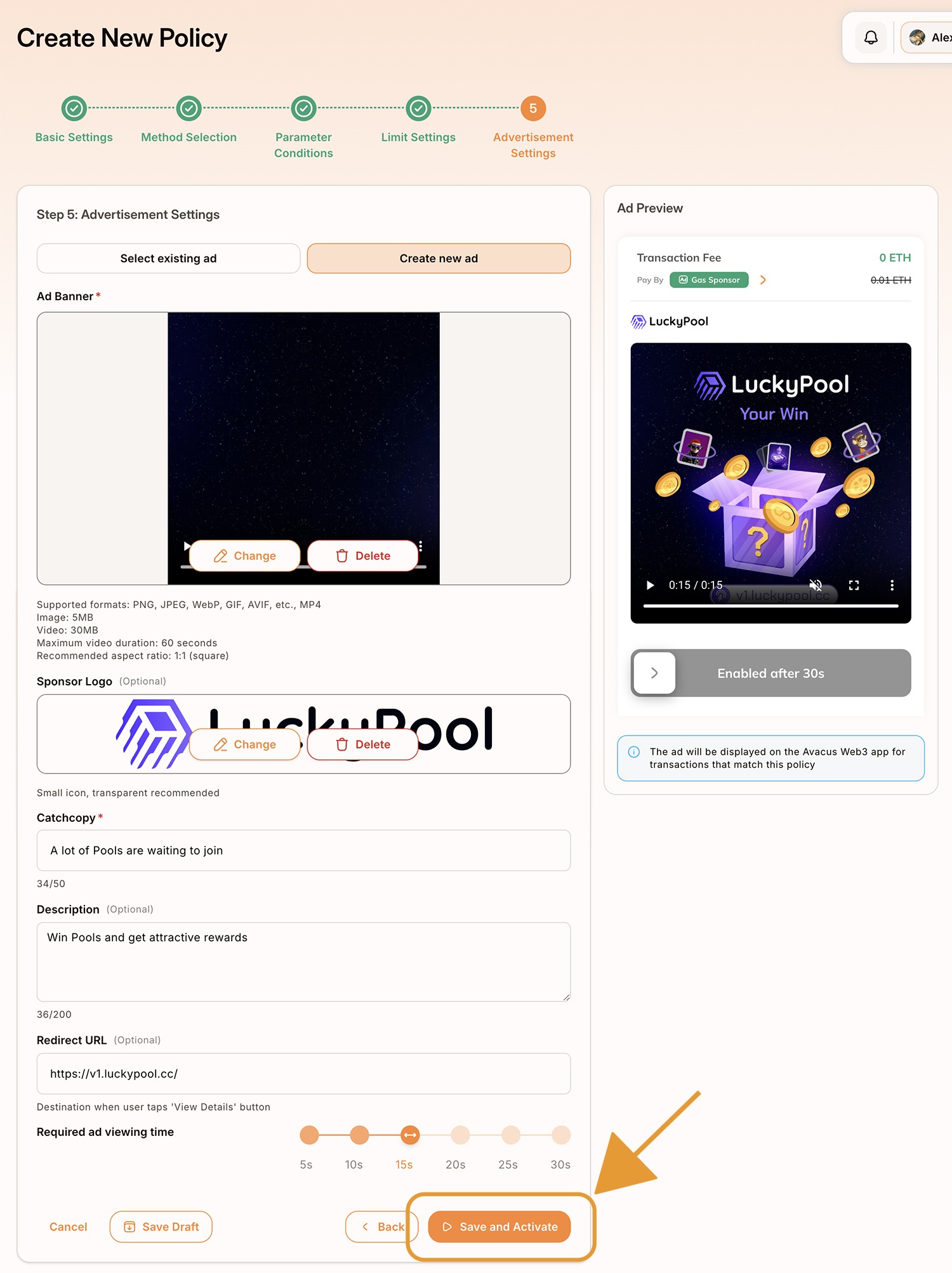
Step 9: Campaign Review & Management
After completing the setup, your campaign will be submitted for Avacus team review. Once approved, the campaign will automatically start running.
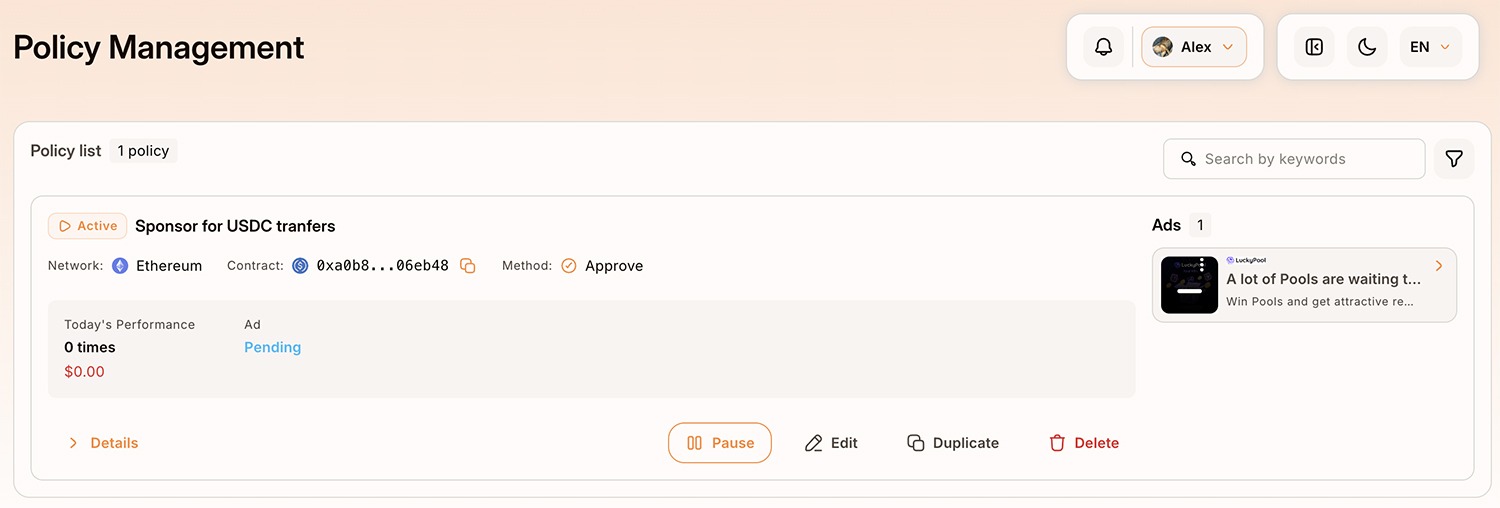
You can then go to the Policy Management page to monitor, manage, and update your Gas Sponsor campaigns